Caring for a Credible Pool (Attendant)

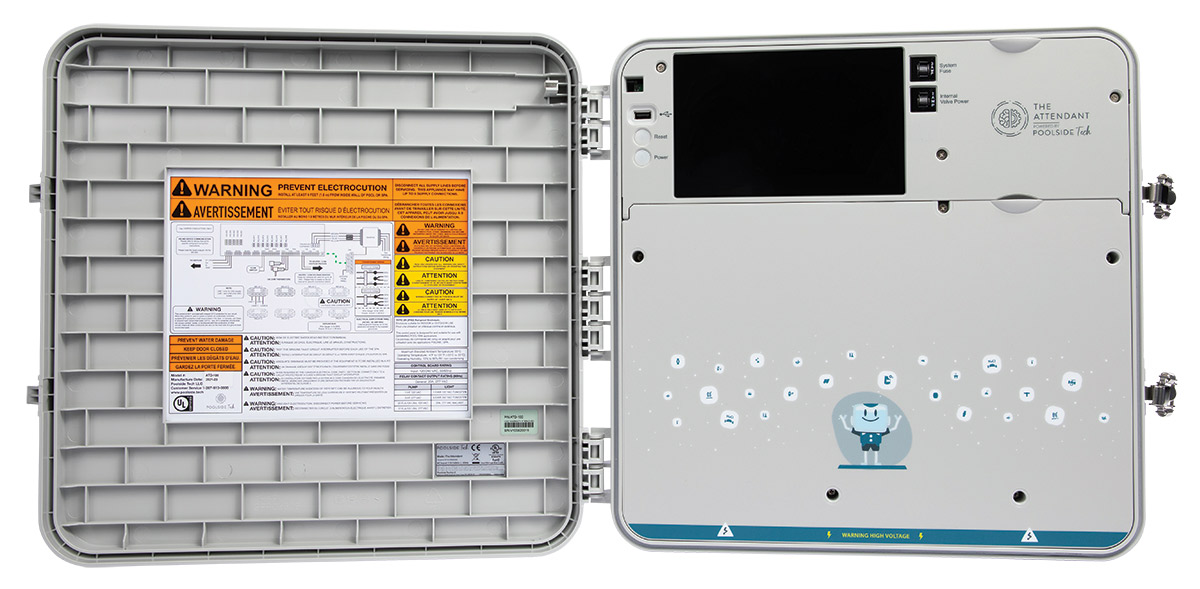
This Guide is for our Poolside Tech (The Attendant) Systems


Caring for Your
Credible Pool
Your complete owner's guide — bookmark this page and you'll find almost every answer here.
Step 1 — Download the Poolside Attendant app:
Chlorine
Sanitizes your water and keeps it clear. Test your water every week — this is non-negotiable.
Flow
Watch for good water movement at the returns. Low flow means it's time to backwash or clean your filter.
Which filter do you have?
Almost every new Credible pool uses the AquaStar Pipeline cartridge filter. Some older or existing pools have a DE (Diatomaceous Earth) filter. Pick yours below.

✓ Standard on all new Credible pools — follow the steps below

Some existing pools — see the DE Filter Care guide →
Cartridge filter (AquaStar Pipeline) — the standard on new pools
No tools needed. Remove and clean the cartridge when flow decreases — or replace it when worn out. We provide an extra cartridge for new pools.
How to open it
Turn off the pump
Always make sure the pump is off before opening the filter.
Open the air relief valve
Turn the small valve on top to release any built-up pressure. Wait until water stops spitting out.
Lift up on the orange or blue handles and twist
Grab both orange or blue handles, lift up, and rotate the lid — it will catch once for safety, then lift off completely.
Lift the cartridge straight up
Pull the cartridge up and out of the center core — the cartridge itself then slides off the inner core. Spray clean with a hose or swap in your spare. See the AquaStar instructions for full detail.
Reassemble and restart
Drop the cartridge back in, twist the lid back on, close the air relief valve, and turn the pump back on.
Weekly water chemistry
We highly recommend adding Borates (e.g. ProTeam Supreme)
Borates stabilize pH, naturally prevent algae, and reduce your need for other chemicals. Like salt, once you reach the right level it only decreases through water loss — easy to maintain long-term.
Salt water basics
A salt water pool is still a chlorine pool — the chlorine is just generated from pool salt in the water rather than added by hand. The water feels softer, and it's less expensive and easier overall. Salt systems typically pay for themselves within the first couple of seasons. For your salt system to work you need proper salt level, steady water flow through the cell, and a properly sized, functioning generator.
Know your system's target
Every salt system targets a different level — some run higher than others. Check your generator's label or the table below, then always confirm with a salt meter before adding.
| Your salt system | Ideal target | Notes |
|---|---|---|
| Hayward AquaRite | ~3,200 ppm | range 2,700–3,400 |
| Pentair IntelliChlor | ~3,400–3,600 ppm | range 2,600–4,500 |
| Jandy / Zodiac (TruClear, AquaPure) | ~3,200 ppm | 3,000–3,500 |
| CircuPool | ~3,200 ppm | 3,000–3,500 |
| Moov ClearSalt | Adjustable — standard ~3,000 ppm | set in the Moov app; supports a low-salt mode |
| Model not listed? | Check the unit's label | or just ask us |
Heating your pool
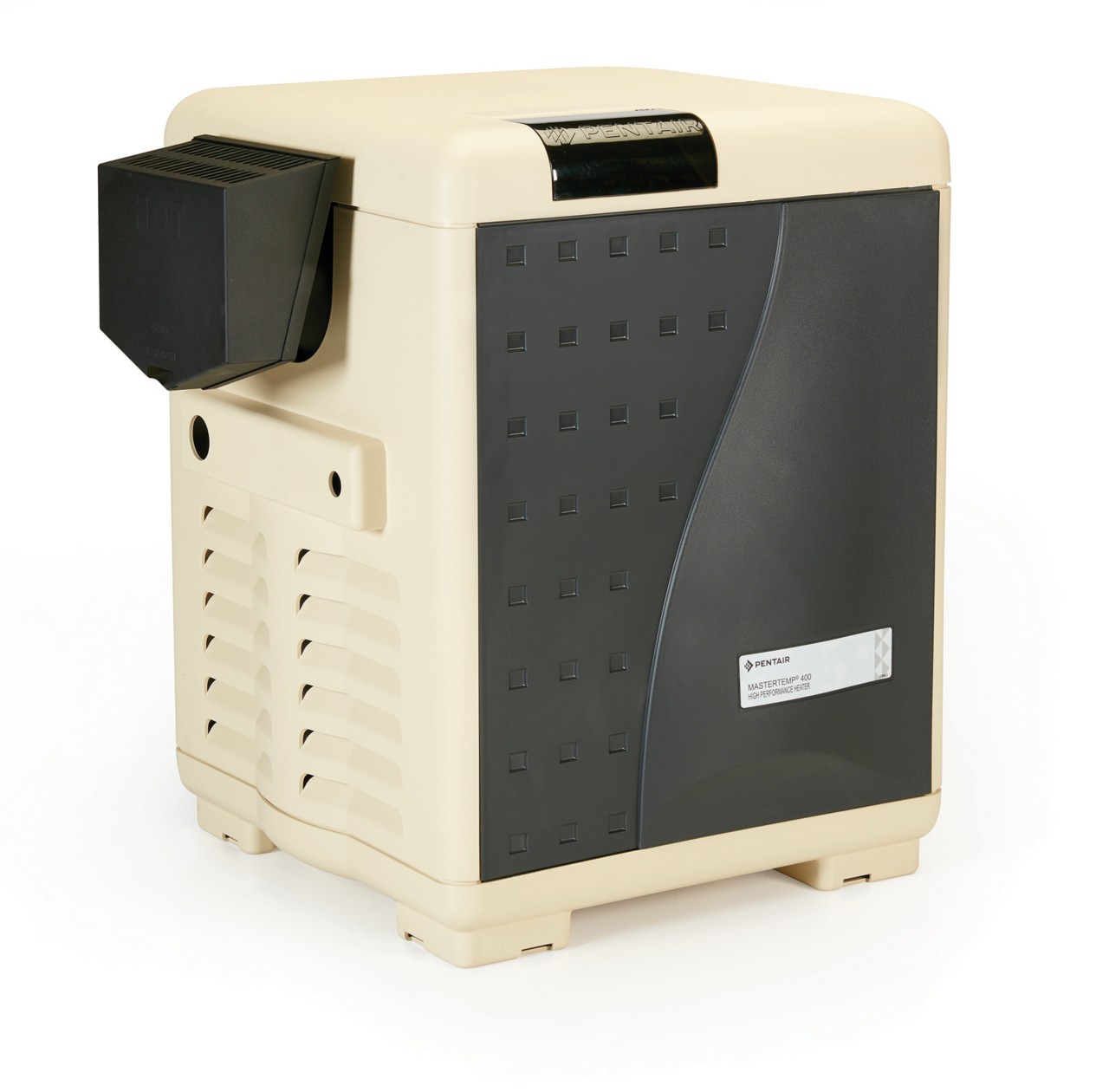
The most common reason a heater won't fire is low water flow — not a broken heater. Pool heaters require adequate water moving through the system to turn on.
- Look at or feel the water at your return jets — you should see and feel active movement.
- If flow looks weak, clean your filter first — for an AquaStar cartridge, rinse or swap the cartridge (see the Filter section above).
- Have an older DE filter? Backwash it — see our DE Filter Care guide. Then check the water at your return jets again.
- If flow looks strong and the heater still won't run, call or text us before assuming equipment failure.
Deep filter clean (1–2× per season)
Unless you have a major issue or very dirty pool, you'll only need to fully disassemble the filter once or twice a season. We can also perform this service for you.
Cartridge filter (AquaStar Pipeline)
Your Attendant & chemistry monitoring
If your pool includes the Attendant by Poolside Tech, it runs your pumps, heat, water level, lighting, and (if equipped) chemistry — all from the app. Here's how to get comfortable with it.
Learning the Attendant
Get the app
Download Poolside Attendant from the App Store or Google Play and sign in with the account we set up at install. The app is your remote for everything.
Turn on your notifications
In the app, tap the menu (☰) → Account → Notification Preferences. The one that matters most is New Alert — turn on Push and Email. It’s the catch-all that pings you whenever the Attendant detects a problem: chemistry out of range, low flow, a pump or equipment issue, or low water level. We’d also enable Freeze Protect On (so you know when cold-weather protection activates) and Disconnect (so you know if the Attendant loses internet and stops watching). You can leave Chemistry Dosing off — it fires on every dose and gets noisy.
Watch the how-to videos
Poolside's YouTube channel walks through schedules, temperature, lighting, and more.
Browse the help center
The Poolside support site answers most day-to-day questions. Learn more about the system on our Attendant overview page.
We're your backup
We stay on as a "Maintainer" in your app, so we can check settings and help remotely whenever you need us.
Chemistry monitoring — how it works (ORP & pH)
If you added Chemistry Monitoring, your Attendant reads two things continuously and adjusts automatically:
pH — how acidic or basic the water is
Target is about 7.4–7.6. The sensor watches it live and doses to hold it steady, which keeps chlorine effective and the water comfortable on skin and equipment.
ORP — how well your sanitizer is actually working
ORP (Oxidation-Reduction Potential), measured in millivolts, is a live measure of your water's sanitizing power. On our pools we typically target around 625 mV. Outdoor pools use cyanuric acid (stabilizer), which lowers ORP — so setting the target too high forces the system to overproduce chlorine (the textbook "650–750 mV" figures are for unstabilized or commercial water). The Attendant holds your ORP target and adjusts chlorine production to match, so you're not testing daily.
Automatic water leveler (autofill)
If your package includes autofill (some customers choose Chemistry Monitoring without it): it keeps your pool at the right water level automatically — topping off what’s lost to evaporation, splash-out, and backwashing. A proper level keeps your skimmer working and protects the pump from running dry.
It tops off for you
The Attendant watches your water level and adds water from your house supply as needed — you’ll see the activity in the app.
Watch the fill activity
Because an autofill quietly replaces lost water, it can hide a slow leak. If it’s filling far more than usual — or the app flags it — let us know; that may be a leak, not evaporation.
Turn it off for draining & winter
Shut the autofill off before draining, major service, or closing, and make sure the fill line is winterized in freezing weather.
Still have questions?
We're always available — call, text, or book an in-person tutorial. We stay as a "Maintainer" in your Attendant app so we can assist remotely too.